Recommended Tool:

DIY and Craft for Beginners, Creators and Entrepreneurs

Make stickers, vinyl, iron-on,
t-shirts and gifts at home to studio.
Start for fun, then sell what you make.

  • Every item linked
  • For Singapore & Malaysia
Fajar Siddiq with his Cricut machine

As seen on:

Hello, I'm Fajar Siddiq.Follow me on TikTok, Instagram, YouTube

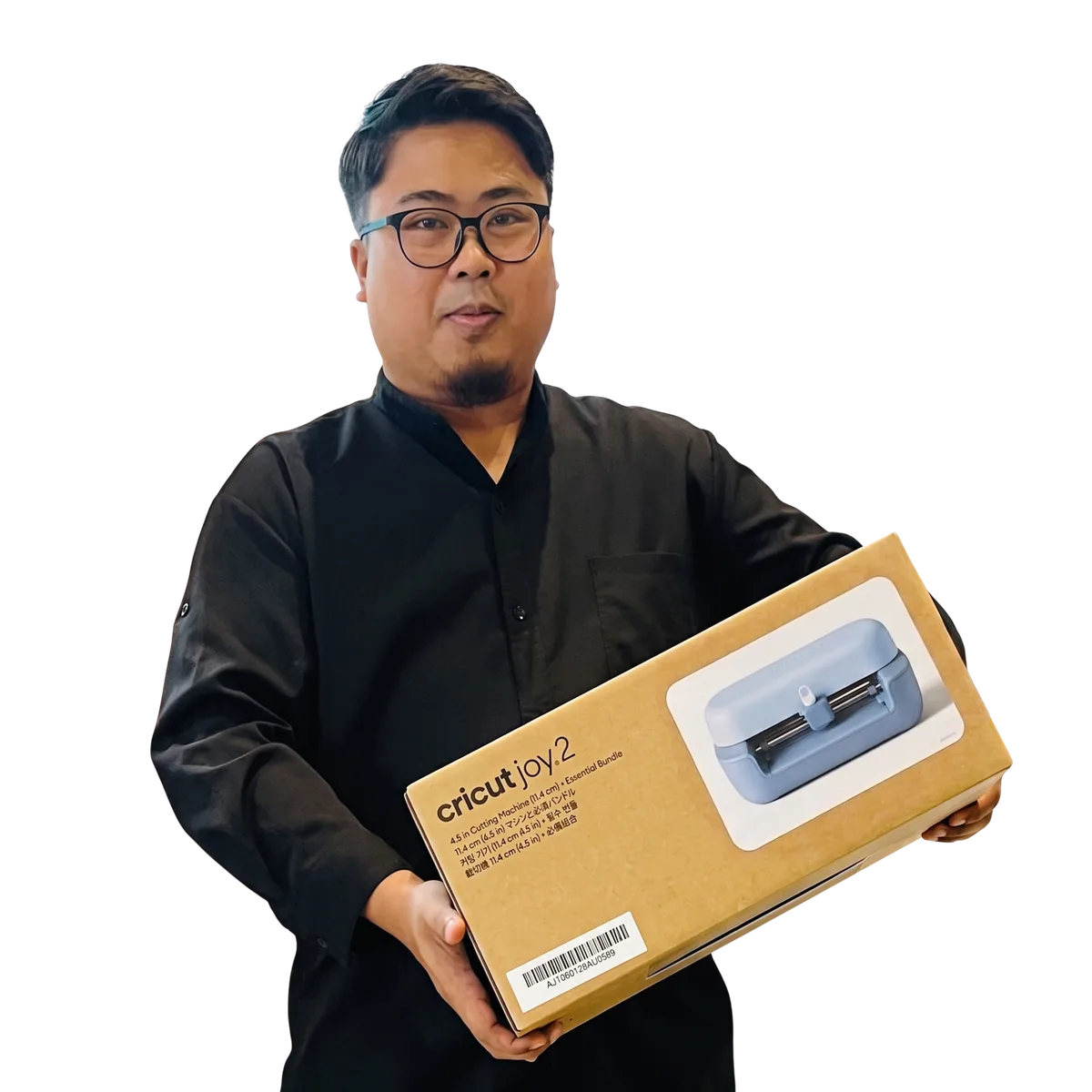
Fajar Siddiq holding a Cricut Joy 2 box

I'm a Business Owner & Founder of Euphorya from Singapore and currently based in Malaysia. I'm building 5+ Brands using Cricut and I'm an Influencer/KOL for @cricut_sgmy “Cricut – Singapore + Malaysia”. I've also collaborated with Cricut Ambassadors and other Business Owners & Founders.

I started with Cricut making stickers, vinyl pieces, iron-on t-shirts and small gifts at home. Today, that same machine helps me build real brands and sell what I make. Watch my videos to see the exact projects, then buy the machines, tools and materials I used in one tap. I also share workshops, meet-ups, tips and fresh project ideas. Whether you're buying your first Cricut or upgrading to a new machine in Malaysia or Singapore, find your machine and buy it here. Cricut machines are simple and beginner-friendly, so you can start creating with confidence.

Contact Me Let's Collab or Invite Me

Shared ProjectsTap a video, then buy the exact latest Cricut Machines.

Find Your MachineHere are the machines I recommend. Affiliate links: I may earn a commission.

Events & Meet-UpsCricut Socials, Open House, Plaza, Demo & Workshops

Guides & ChecklistsSimple guides, cheat sheets and checklists to help you get started with Cricut.

Think It, Make It. Cricut

  1. Buy Your Machine

    Pick the Cricut machine that fits what you want to make, like stickers, cards, vinyl decals or iron-on t-shirts, and compare the models side by side, then order it in Malaysia or Singapore.

    Find your machine
  2. Download the App

    Install Cricut Design Space on your phone, tablet or laptop, then sign in, connect your machine and follow the guided setup steps so you are ready to start making your first project with confidence.

    Get Design Space
  3. Start Your First Project

    + New Project > Click Project Type: Example: Vinyl Decal, Iron-On, Card, Cardstock Cutout, Stickers & Labels, Iron-On Accessories or Design From Scratch: Blank Canvas, AI Project Designer

    + New Project
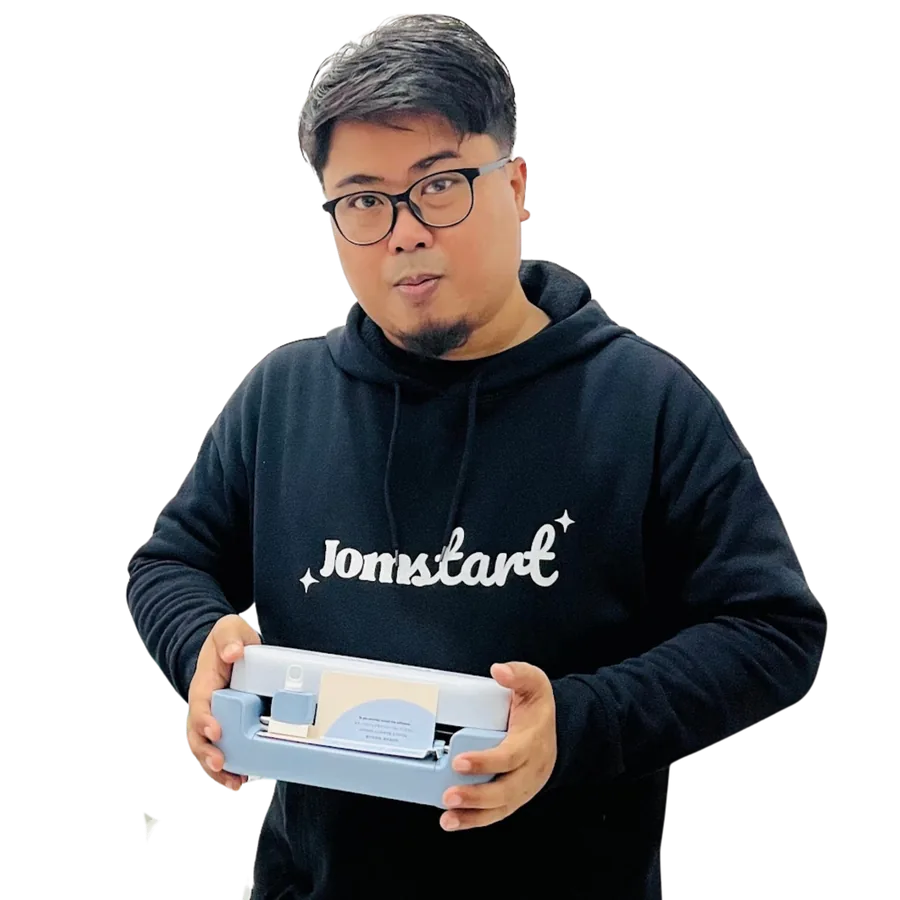
Fajar Siddiq holding a Cricut machine

Member Care & Help SupportOfficial Cricut contact numbers and help links.

Subscriptions & Orders Design Space® Cutting Machines Printers Heat Presses Materials Tools & Accessories
How to Print Then Cut in Design Space Design Space Download and Installation Instructions Bluetooth and USB Connection Help

Phone Support

Malaysia18008190201800819073Hours of operation:
Monday - Friday
9:00 am - 6:00 pm MYT
Singapore800 852 6755Hours of operation:
Monday - Friday
9:00 am - 6:00 pm SGT

Chat Support

Chat Now
OpenMonday 23:00 UTC
through
Friday 23:00 UTC
ClosedFriday 23:00 UTC
through
Monday 23:00 UTC

Email Support

Email
Open 24 hours[email protected]Responses within 48 business hours
Select Topic:
  • Access Subscription Assistance
  • Account and Order Assistance
  • Design Space Assistance
  • Machine Assistance
  • Materials and Accessories Assistance
  • Other Assistance

Frequently Asked QuestionsQuick answers to common questions

Warranty & Replacement Process
  1. Contact Cricut Member CareReport the issue by phone, email or live chat. They will check if your machine is covered.
  2. Get a Warranty Case Ticket IDIf covered, you will receive a case Ticket ID and the faulty machine will be deactivated.
  3. Contact Cricut MalaysiaMessage them on Shopee or TikTok Shop with your case Ticket ID.
  4. Return the MachineFollow the return instructions. Once approved, a replacement will be arranged (subject to warranty terms).

No reply from Shopee?

Email at [email protected] / [email protected] with:

  • Proof of purchase: receipt screenshot or copy
  • Member Care chats or emails: screenshots
  • Video: showing the fault
Name:
Contact Number:
Address:
Model:
Serial Number:
Problem description:

Other Ways to Get Help

Submit a ticket through the Cricut Request Form.

Join SG/MY Cricut Community
Follow SG/MY Cricut Socials
Buy Cricut Products Online